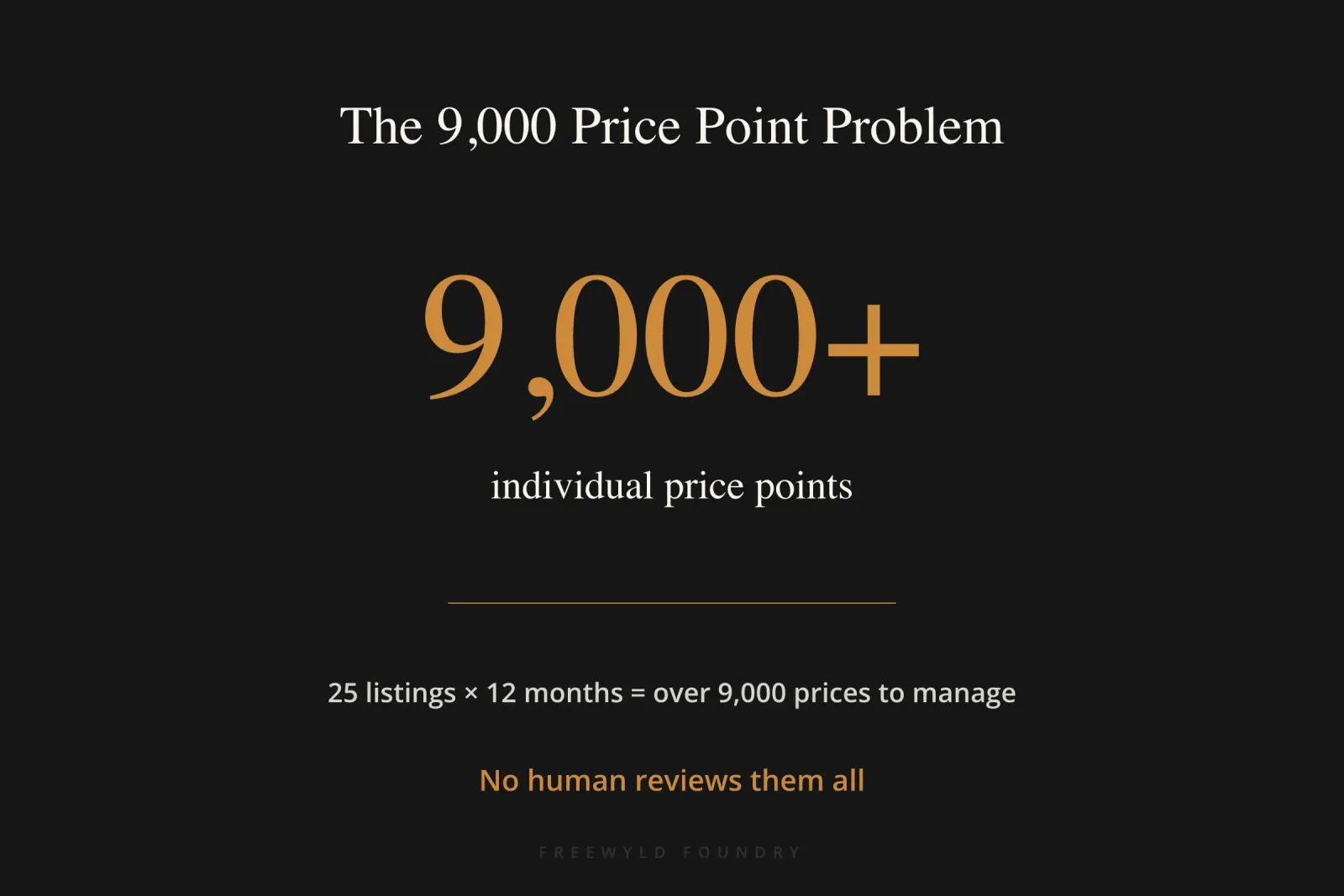
Twenty-five listings. Twelve months open on the calendar. That’s over 9,000 individual price points, and on most teams, nobody is checking all of them.
That math is the starting point for an AI revenue management agent for short-term rentals: a tool you build yourself, in under 30 minutes, that reads your pricing data and flags the dates where you’re leaving money on the table or pricing yourself out of bookings. An AI revenue management agent is a custom-built tool that analyzes your short-term rental pricing data and flags dates where your rates are likely too high or too low, based on your own booking history and market comparables. You don’t need to code. You don’t need a developer. You need a pricing tool export and an AI model you already have access to.
Jasper Ribbers, founder and head of revenue strategy at Freewyld Foundry, built one live during a recent webinar and walked through exactly how it works, what data it needs, and where it still gets things wrong. This article breaks down that process so you can build your own.
Key Takeaways
- An AI revenue management agent reviews your pricing data and flags dates where rates are likely too high or too low, based on your own booking history and market comparables
- There’s no such thing as a perfect price; the real goal is making sure every price on your calendar is defensible
- A 25-listing portfolio with 12 months open has over 9,000 individual price points, far more than any human reviews by hand
- Freewyld Foundry’s own team weighs 26 separate factors when pricing a single night, documented by an intern’s master’s thesis on their revenue strategy
- Building the agent takes three inputs: an AI model, a prompt, and exports from your pricing tool
- The agent should never apply price changes unsupervised; every recommendation gets reviewed by a human first
- A pricing problem and an Airbnb visibility problem can look identical from the booking numbers alone
What Is an AI Revenue Management Agent for Short-Term Rentals?
An AI revenue management agent for short-term rentals is a custom-built tool that analyzes your pricing data and flags dates where your rates are likely too high or too low, based on your own booking history and market comparables. It doesn’t set prices for you. It reviews your calendar the way a second pair of eyes would, if that second pair of eyes could look at every single date instead of just the next two weeks.
The core idea comes from a problem every STR operator eventually runs into: there’s no such thing as a perfect price. Every unit is unique, every date is unique, and you only get to sell a given night once. Ask ten experienced revenue managers what a specific night should cost and you’ll get ten different numbers, somewhere in a believable range. None of them will say $50. None will say $500. According to Jasper Ribbers of Freewyld Foundry, the real goal isn’t precision, it’s making sure every price on your calendar is defensible: high enough that booking it is a win, low enough that someone shopping your market would still consider you.
The Chess Analogy Behind the Approach
Jasper frames this with a comparison to chess engines, which don’t grade moves as just right or wrong. They grade how far off a move was: a blunder is badly wrong, a mistake is meaningfully off, and an inaccuracy barely matters. You don’t get better by finding brilliant moves. You get better by running out of blunders. Even grandmasters make inaccuracies. The players who win consistently aren’t the ones finding perfect moves, they’re the ones who’ve eliminated the costly ones.
Applied to pricing, that means the highest-leverage activity isn’t searching for the theoretically perfect rate on every date. It’s finding and fixing the blunders first, the handful of nights priced so far outside a reasonable range that fixing them moves the needle immediately.
Why Reviewing Pricing By Hand Doesn’t Scale
Here’s the math that makes the case for an agent in the first place: 25 listings with 12 months of calendar open is more than 9,000 individual price points. No human is reviewing that by hand, and the data changes every single day, new bookings come in, market demand shifts, competitors adjust, booking windows move.
| Approach | What Gets Reviewed | Frequency |
|---|---|---|
| Manual review (typical operator) | Next 1-2 weeks | Whenever there’s time |
| AI revenue agent | Full calendar, 6-12 months out | Daily |
Most operators don’t even have someone dedicated to pricing full-time. It’s usually whatever’s left of the owner’s or general manager’s day once the operational fires are out, which means attention naturally goes to what feels urgent, the next two weeks, rather than where the biggest opportunity for improvement sits further out on the calendar.
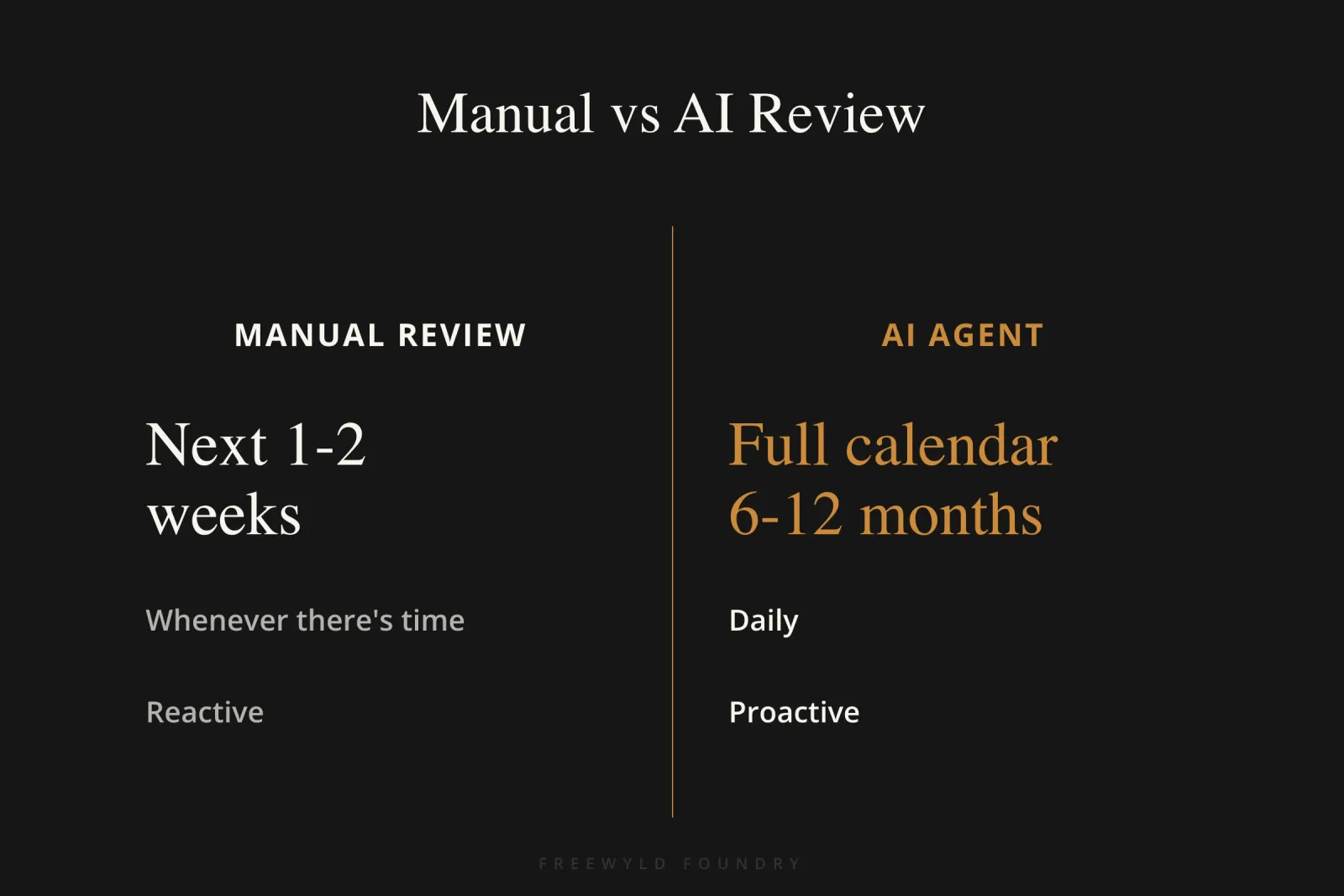
An AI agent closes that gap not by replacing judgment, but by doing the one thing a human realistically can’t: scanning the entire calendar every day and surfacing the dates that deserve a second look first.
How Many Factors Go Into a Pricing Decision?
More than most operators assume. Freewyld Foundry had an intern, working on a master’s thesis about short-term rental revenue management, document every factor their team weighs when setting a price. The number came out to 26 separate factors: comparable listings, how the unit booked the prior year, demand pacing, how far out the booking window sits, and dozens more.

That’s the gap an AI agent is built to close. You can’t hold 26 variables in your head for every one of 9,000 price points. You can teach an AI model what a reasonable price range looks like for a given set of circumstances, then have it apply that logic consistently across your entire calendar, every day, without fatigue.
How to Build Your Own AI Revenue Management Agent
The build itself uses three inputs: an AI model (Claude or ChatGPT both work; Jasper uses Claude), a prompt that teaches the model your pricing logic, and the data exports from your pricing tool.
Step 1: Start a clean AI project. Open a new chat or project with no other context loaded. You want the model reasoning from the data you give it, not from anything else it’s picked up in a prior conversation.
Step 2: Export your pricing data. If you’re on PriceLabs, pull three things for each listing: the neighborhood data (from the neighborhood data section), the multi-calendar export, and your full booking history with cancelled bookings excluded. You don’t need to re-export daily, weekly is enough to keep the agent current.
Step 3: Upload the data and run the prompt. Feed the exports and the prompt into the same chat. The model analyzes the full calendar and returns a report flagging which dates look underpriced and which look overpriced relative to your own booking history and comparable listings.
Step 4: Review and correct its first pass. The first output won’t be perfect; the model doesn’t know your specific strategy yet. For example, it might flag a listing as underpriced for a date that’s only two days out, technically true against the historical comparison, but not a mistake if your strategy is to drop to a price floor that close to check-in. You give that feedback back to the model (in this case: “for underpriced properties inside the last 14 days, it’s fine to go to minimum price”) and it carries that logic forward.
Step 5: Keep working in the same thread. Context is what makes the agent useful over time. Staying inside one ongoing project means the model retains what it’s learned about your specific portfolio instead of starting from zero every session. Feed it new booking data regularly, and if you’re connected through an API or MCP, that update can happen automatically rather than manually.
Step 6: Automate the recurring parts. Once the setup is working, you can ask the model to run on a schedule, pulling new data or generating a report at a set interval, so it’s working even when you haven’t opened a new prompt that day.
“If you can just make sure that you’re at least reasonably priced over your entire calendar, you’re already ahead of most people.” — Jasper Ribbers, Freewyld Foundry
What Else Can the AI Revenue Management Agent Build Once It Has Your Data?
Once an AI model has your pricing and booking data loaded, generating a report is close to instant. Jasper demonstrated two examples live: a Thanksgiving pacing report, built with Freewyld’s own branding, showing nights sold, revenue, ADR, and pace against the prior year, and a simpler revenue pacing report comparing booked revenue for the next few months against the same period last year.
That second report format is worth calling out on its own, because the underlying concept applies well beyond any one holiday. The report shows current revenue on the books, how much unbooked potential remains on the calendar, and what percentage of that unbooked potential needs to convert to match or beat last year’s result. Tracking that number at the start of each month gives you an early, realistic read on whether you’re pacing ahead or behind, instead of finding out after the month is already over.
The same setup works for owner-facing questions. If an owner asks why a specific night is priced the way it is, or how a property performed compared to the prior year, that question can go straight to the model instead of requiring you to dig through the data manually every time.
What Does a Daily AI Revenue Management Agent Workflow Look Like?
A one-time report is useful. A daily workflow is where the real time savings show up. Freewyld Foundry’s own internal version of this tool runs a few checks every day:
- A quick health check on the portfolio: how pacing looks for this month, next month, and two months out
- A flag for any listings falling behind on pickup over the last 7 or 30 days
- A check on Airbnb listing visibility, since a drop in bookings isn’t always a pricing problem
- The top recommended price changes, which, if connected through an API, can be pushed live with one click
- A summary of new bookings and cancellations since the previous check
Common Mistakes to Avoid When Building an AI Pricing Agent
- Letting the agent apply changes unsupervised: The AI builds the analysis and the recommendation. It should never be the one clicking “publish” on a price change without a human reviewing it first.
- Assuming the first output is correct: The model’s first pass doesn’t know your portfolio’s specific logic yet. Treat early flags as a starting point for feedback, not a final answer.
- Mistaking a visibility problem for a pricing problem: If your price is competitive and you’re still not getting booked, the more likely issue is that the listing isn’t showing up where it should, not that the rate is wrong.
- Only reviewing the next two weeks: The dates furthest out on your calendar are exactly the ones nobody manually checks, and often where the biggest pricing gaps hide.
- Rebuilding the agent’s context from scratch every session: Working inside one ongoing project, rather than a new chat each time, is what lets the model learn your portfolio instead of re-explaining it every day.
How Do You Know If a Booking Problem Is Price or Visibility?
This is one of the harder judgment calls in revenue management, and it comes up constantly as the Airbnb algorithm continues to change. If your price is competitive for the market and you’re still not getting booked, the issue is more likely to be visibility than price. Occasionally a listing becomes functionally invisible on the platform, searchable in a private browser window and still not appearing, which usually means a call to Airbnb support to resolve a platform-side glitch.
Beyond outright visibility bugs, ranking itself is affected by more than price. A run of one or two-star reviews can tank a listing’s visibility just as effectively as a pricing mistake can. An AI revenue management agent built to flag pricing issues can be extended to flag this too: if a listing isn’t getting picked up and the pricing looks reasonable, the next place to look is the listing itself, not the rate.
Frequently Asked Questions About AI Revenue Management Agents
What is an AI revenue management agent?
An AI revenue management agent is a tool built on top of a general AI model, like Claude or ChatGPT, that analyzes your short-term rental pricing data and flags dates where your rates are likely mispriced. It’s built from a prompt and your own pricing tool exports, and it’s designed to surface recommendations for a human to review, not to set prices automatically. The agent scans your entire calendar daily, reviewing thousands of price points that no human could realistically check manually.
Do I need to know how to code to build one?
No. Building an AI revenue management agent requires a prompt, which can be copied and pasted, and data exports from your existing pricing tool. There’s no custom software or coding involved. The entire setup, for a first version, takes about 30 minutes and uses tools most operators already have access to.
Do I need PriceLabs to build an AI revenue agent?
No. While PriceLabs offers some of the most detailed exportable data, every major pricing tool provides API access to the same underlying information: comparable pricing, booking history, and calendar data. The specific export steps differ by platform, but the approach works with any pricing tool that lets you export your calendar and booking data.
Is AI replacing pricing tools like PriceLabs?
No. An AI revenue management agent is a recommendation layer that sits on top of your existing pricing tool, not a replacement for it. A useful way to think about it: the pricing tool is the car, you’re the driver, and the AI agent is a coach helping you drive better. All three pieces matter, and removing any one of them makes the system less effective.
How do I keep an AI revenue management agent updated over time?
Keep working inside one ongoing project or chat thread so the model retains what it has learned about your portfolio. Feed it new booking and pricing data regularly, either manually or automatically through an API or MCP connection, and you can ask the model to set up a recurring task so reports generate on a schedule without a new prompt each time. Weekly data refreshes are typically sufficient to keep the agent’s recommendations current.
Can an AI revenue management agent replace a human revenue manager?
No. The AI revenue management agent excels at flagging pricing outliers and generating reports across thousands of data points, but it doesn’t replace the strategic judgment required for STR revenue management. Human oversight is essential for understanding local market nuances, owner relationships, seasonal strategy shifts, and the dozens of factors that don’t fit neatly into a dataset.
How accurate are AI revenue management agent recommendations?
Accuracy improves with feedback. The first recommendations will include false positives and missed context because the model doesn’t yet know your specific portfolio strategy. As you correct it and feed it more context about your approach to minimum stays, last-minute pricing, seasonal patterns, and competitive positioning, the agent learns your preferences and future recommendations become more reliable.
What data does an AI revenue management agent need to work effectively?
At minimum, the agent needs your pricing calendar, booking history with dates and revenue, and comparable market data. Optional but valuable additions include cancellation patterns, review scores, listing visibility metrics, and owner-specific pricing constraints. The more complete the data, the more useful the agent’s recommendations become.
Build Your Own AI Revenue Analyst
The full webinar walkthrough, including the exact prompt Jasper uses, is available as a free on-demand workshop: Build an AI Revenue Analyst. Watch the replay, then run the prompt against your own portfolio.
Ready to stop leaving money on the table?
Get your free revenue report and we’ll analyze your property’s performance and show you exactly where your pricing strategy can improve. We manage $220M+ in bookings across 4,000+ listings, and we’ll show you what’s possible with professional revenue management.
Listen to the Full Conversation
This article was informed by a webinar replay on the Get Paid for Your Pad podcast, where Jasper Ribbers builds the agent live, prompt and all, then answers audience questions on running it day to day.