Seasonal Profiles: How to Use AI to Automate Your PriceLabs Pricing

Want to outperform the market? Freewyld Foundry’s Revenue and Pricing Management service is driving an average 18% performance lift for STR operators, even in down markets. If you are managing 15+ listings and want a free pricing audit, apply here
Jasper kicks off AI Month at Freewyld Foundry by showing you how to use a free Claude prompt to build seasonal pricing profiles in PriceLabs automatically, a customization most operators are leaving on the table because it normally takes too long to set up by hand.
You will learn:
- How pricing tools calculate your daily rate from a base price, minimum and maximum price, then seasonality and demand multipliers
- Why a base price change moves your entire calendar, and why a seasonal profile is a cleaner way to adjust pricing for just one stretch of the year
- How the free AI prompt works: download your PriceLabs neighborhood data and multi-calendar, upload both to Claude, and get a ready-to-upload seasonal profile back in minutes
- Why Jasper sets seasonal adjustments as percentage multipliers instead of fixed dollar amounts
- Everything else a season can control beyond price: minimum night stay, pricing profiles, and check-in and checkout rules
- Why these profiles need a small manual update every year as holidays shift to different dates
We also talk about:
- Why Jasper reviews every AI-generated profile before uploading it live, since the prompt builds the structure, not the final pricing decisions
- How to ask Claude directly for base price and minimum price recommendations once your seasonal profile is set up
- Next week’s episode: using AI to build minimum night stay profiles
Mentioned in the Episode:
- Free AI prompt and resources: freewyldfoundry.com/ai-kit
- Free Revenue Report from Freewyld Foundry
Continue Listening
October RM Update: Airbnb's New Guest Data Rules, Vrbo's Commission Hike, and 22.5% Revenue Growth
Jasper covers October 2026 portfolio performance (up 22.5% year over year), a sweeping Airbnb policy update that bans collecting guest email, phone, and ID data, and Vrbo's new flat 12% commission structure.

September RM Update: Best Month in Company History, GuestyVal Takeaways, and an Airbnb Story
Jasper covers September 2026 portfolio performance: Freewyld Foundry up 37% year over year with 27% measurable impact above market, the highest in company history. Plus GuestyVal takeaways on AI in revenue management, the Vrbo commission change, and a personal Airbnb story.

The Javier Effect: A Custom PriceLabs Strategy for Unique STR Inventory
Javier Vasquez, a Freewyld Foundry revenue manager and former PriceLabs employee, walks through the custom Portfolio Occupancy-Based Adjustment strategy he built for a glamping dome portfolio with 97-98% occupancy year-round and 212-day booking windows.
Introduction
Jasper: November is AI Month at Freewyld Foundry, which means all month we're teaching you specifically how to leverage AI to help you do a better job as a revenue manager. We're doing AI episodes on the podcast, we have a webinar where you can learn how to build your own AI revenue analyst, and we're going to do some other education as well. Make sure you're subscribed to this podcast and to our email list at Freewyld Foundry so you get notified when we have more free resources. If you're not using AI in your revenue management right now, I think this is a really good time to start, because AI can save you a lot of time and can help you not only build things, but also advise you on where to put your focus in your business.
Today's episode is very specific: it's just about seasonal profiles.
Why Seasonal Profiles Matter
Jasper: If you don't know what a seasonal profile is, it's a customization you can set up in your pricing tool. PriceLabs has very good functionality for this. Other pricing tools might not call it a seasonal profile, but the idea is the same: you select a timeframe on your calendar and apply specific customizations or settings to just that period.
Most pricing tools work in a similar way. You set a base price, a minimum price, and a maximum price. The tool will never price below the minimum or above the maximum. Within that range, it takes your base price and applies demand factors, typically seasonality and demand. Seasonality looks at the season you're in and applies a multiplier based on how strong that season is. Demand is determined by the pricing tool looking at how much demand there is in the market for a particular date compared to last year, how it's pacing. On top of that, you can specify other custom multipliers: day of week pricing, one-night gap pricing, far-out premiums, last-minute discounts.
So why do you even need a seasonal profile if the tool already calculates a price for every day? Because sometimes you look at your calendar and feel like you're overpriced for certain periods and underpriced for others. The only way to adjust that without a seasonal profile is to go into your calendar and manually override prices, but changing your base price affects your entire year. If you want a price change for just a specific window, say the first few weeks of December, which is typically low demand before Christmas, manual overrides get messy fast and become hard to track. A seasonal profile is a much cleaner and more effective way to apply that kind of adjustment, whether it's a discount or an increase.
And price isn't the only thing a seasonal profile controls. You can set a different minimum night stay strategy, different pricing profiles, different check-in and checkout limitations, different minimum prices. Essentially any functionality PriceLabs has, you can customize it per season. That's why seasonal profiles are so powerful: they let you customize your pricing cleanly across the different seasons of the year.
Building Your Profile with AI
Jasper: The catch is that seasonal profiles take time to build, because you have to define every season of the year, and it's rarely just summer, winter, spring, and fall. There are all these smaller demand events throughout the year, like holidays and special events, where you might want a different minimum night stay or a different price adjustment. Usually it's the extremes, very high demand or very low demand, where you want to deviate from what your pricing tool would otherwise give you.
That's a lot of manual work, so we built a prompt you can literally copy and paste into Claude, and it'll probably work with other AI tools too, though we can only guarantee it for Claude since that's what we use. Here's how it works: go to freewyldfoundry.com/ai-kit to get the prompt, and paste it into a brand new chat with no other context. The prompt teaches Claude how to calculate seasonal profiles.
Next, if you're on PriceLabs, download two things for the listing you want to build a profile for: the neighborhood data and the multi-calendar export. You can also build a seasonal profile for a group of listings or your entire account instead of just one. Upload both files into the chat and run it. Within a couple of minutes, Claude generates the full seasonal profile and gives you a CSV to download.
Back in PriceLabs, go to Edit Customizations, find Custom Seasonal Profile, and click Edit Profile. You'll need to choose Percentage or Fixed. Jasper sets this to Percentage rather than fixed amounts, since he doesn't want to hardcode specific dollar values for the base price and minimum price across every listing. Upload the profile Claude created, and you'll see it's built out around 20 named seasons: things like New Year's, the low-demand stretch in early-to-mid January, MLK weekend, and so on. In PriceLabs, every season has to start January 1st and end December 31st, since you can't have a season cross from one year into the next, which is why the profile always starts with a short January 1st to January 2nd season rather than running the Christmas holiday straight through.
Never trust AI 100%. AI always needs human oversight, so go through what it built and check that it actually makes sense. It probably will, but you might want to make some adjustments.
What You Can Customize
Jasper: For every season the AI defines, you can adjust the minimum price, the maximum price, the minimum night stay, and if you click the three dots next to a season, you can also set a base price, a pricing profile, and check-in and checkout rules just for that season. With pricing profiles specifically, you can define different last-minute pricing or occupancy-based adjustments, essentially any functionality PriceLabs has, scoped to just that one season.
One more thing worth knowing: the prompt is built so that uploading this custom seasonal profile doesn't change anything on its own. There are no settings baked in yet. It just sets up the structure so you can go in and make the adjustments you actually want. And once the structure exists, you can ask Claude directly for recommendations, since the prompt already includes an explanation of how we approach revenue management. You can ask it which seasons to lower your base price for, which to raise, and the same for minimum prices.
The Yearly Update
Jasper: One thing I really like about these seasonal profiles is that they run every year into the future, so you don't have to rebuild them annually. You do need to make small manual adjustments as holidays shift to different dates each year. Right now, in November, your Thanksgiving season might be set to the 25th through the 28th. After Thanksgiving passes this year, you'd go in and shift those dates by a day or two for next year, since Thanksgiving won't fall on the same calendar dates. If you don't make that update, next year's Thanksgiving pricing will be off by a day. So every time a season passes, update it for next year before you forget.
Closing
Jasper: I highly recommend that if you're using PriceLabs, you have a seasonal profile set up, even if you don't have settings for every single season yet. It saves time and lets you make adjustments to just the specific periods where you want to deviate from your standard base price, seasonality, and demand settings. Now you can build that structure with AI in minutes, and you can talk to Claude directly for recommendations on top of it.
Next week, we'll do another AI episode: I'll show you how to use AI to build minimum night stay profiles. If you want the prompt from today, go to freewyldfoundry.com/ai-kit. That's where you'll find all the prompts and resources we're building out this month. If you have questions, email me at jasper@freewyldfoundry.com. Have a great week.
Related Articles
Seasonal Pricing for Airbnb: How to Build a PriceLabs Seasonal Profile With AI
Most PriceLabs users never touch seasonal profiles because building one by hand takes hours. Here's how the feature actually works, and how to generate a full profile with a free AI prompt in minutes instead.

Vrbo's Commission Change Is Live: How to Protect Your Margin When OTA Discounts Stack
Vrbo's new commission structure went live October 29th, and it's the latest move in a pattern: every major OTA is now copying each other's discount programs. Here is how to calculate a markup that protects your net rate.
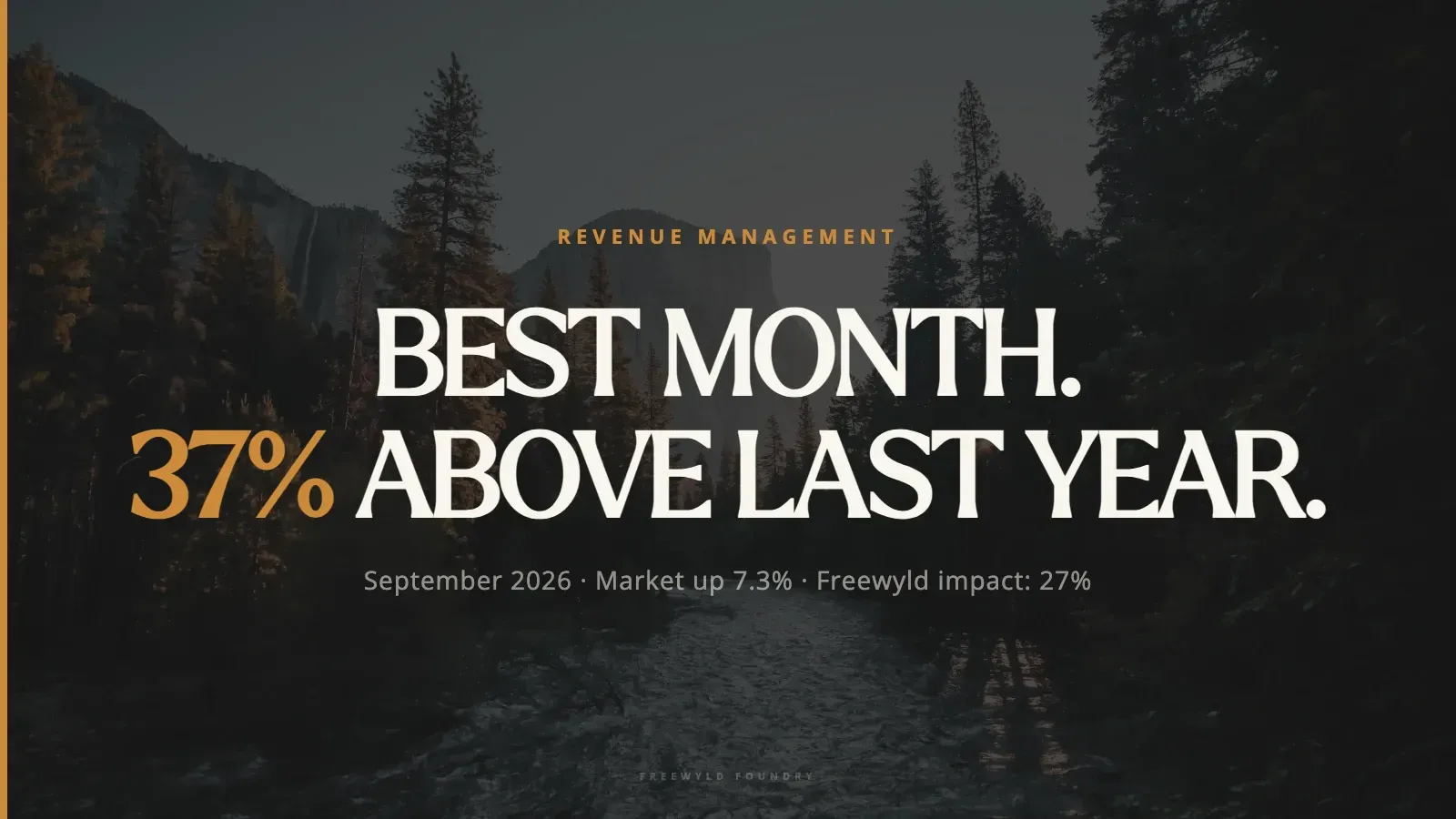
STR Market Update September 2026: Record Month, Vrbo's Commission Shift, and What AI Means for Revenue Management
September 2026 was the best month in Freewyld Foundry's history. Comparable units finished 37% above last September while the broader market grew 7.3%, producing a 27% measurable impact, the highest we have ever recorded. Here is what drove that gap, which markets led and which lagged, what Vrbo just changed about commissions, and what the industry learned about AI in revenue management at GuestyVal in Madrid.